Effective Date: October 14, 2026
Developer: Robert Poetzsch
Contact: support@robspace.de
Introduction
Robert Poetzsch ("we," "us," or "our") built 4Budget as an application. This Privacy Policy explains how we handle information when you use our mobile application 4Budget ("the App").
Controller within the meaning of the GDPR is Robert Poetzsch, email support@robspace.de. The postal address is in the Impressum (legal notice) on this website.
Our Privacy Commitment
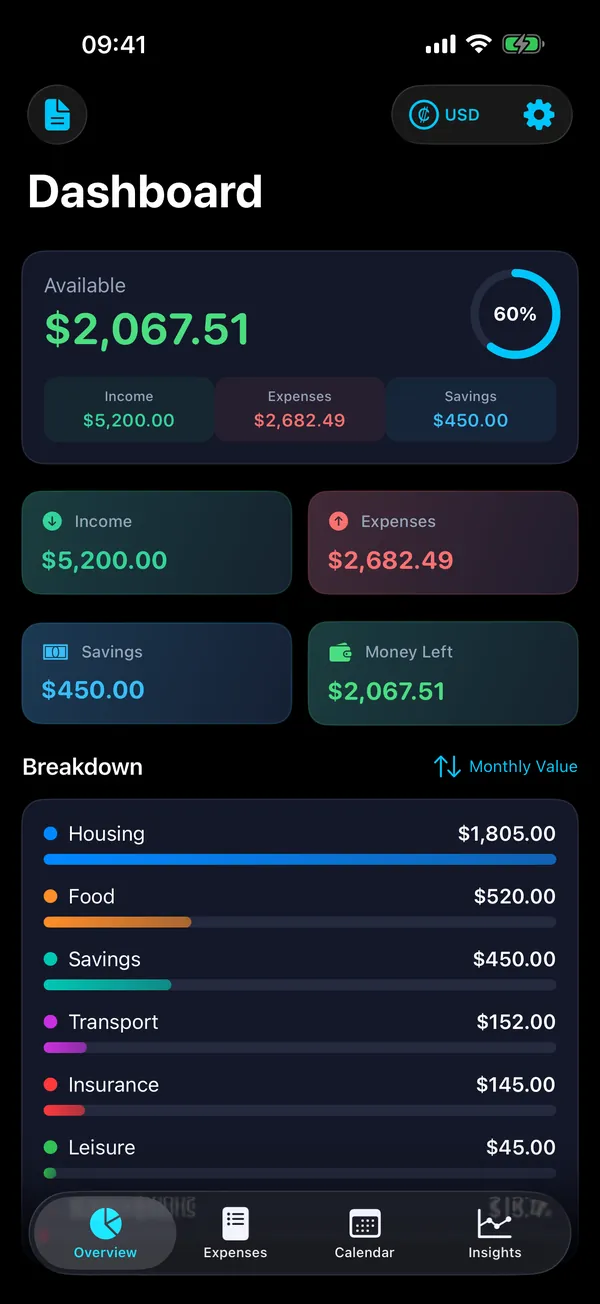
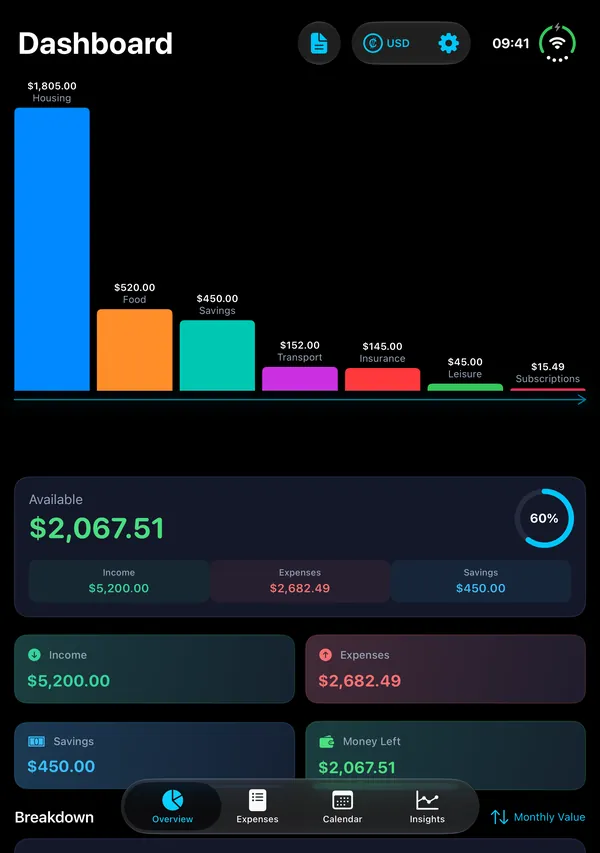
4Budget is designed with a strict privacy-first approach. Through the App, we do not collect, store, transmit, or process any personal data whatsoever. The App operates entirely on your device with no server-side components.
Data Stored Locally on Your Device
The App stores the following data exclusively on your device, in the App's local settings storage (UserDefaults):
• Your monthly income
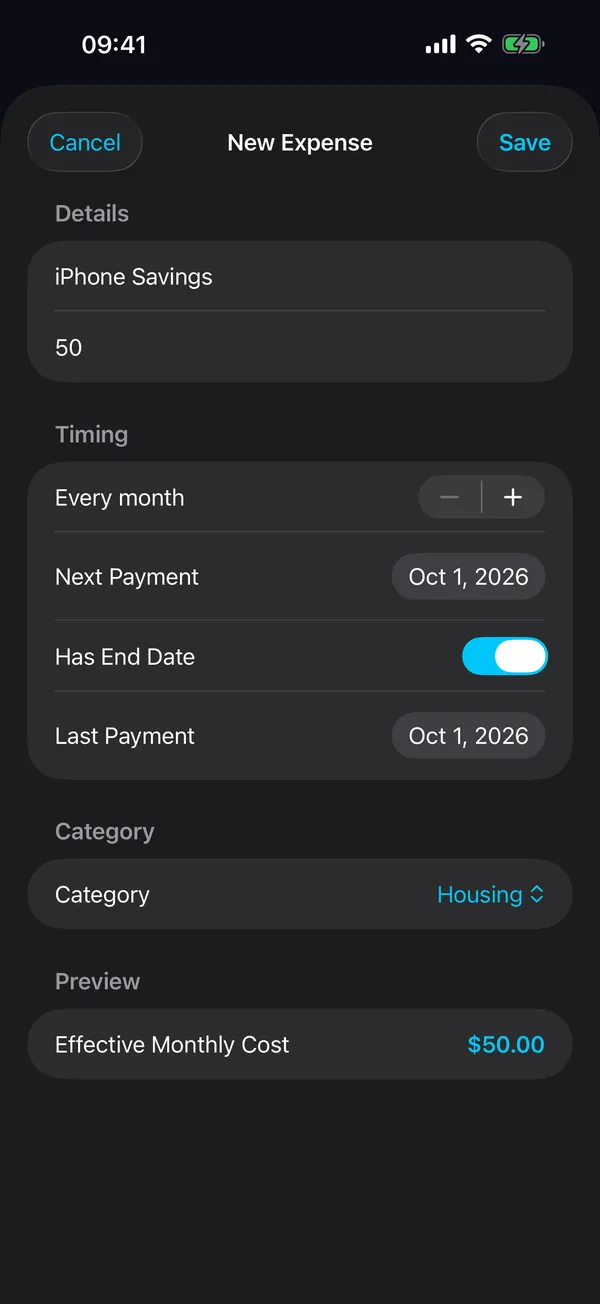
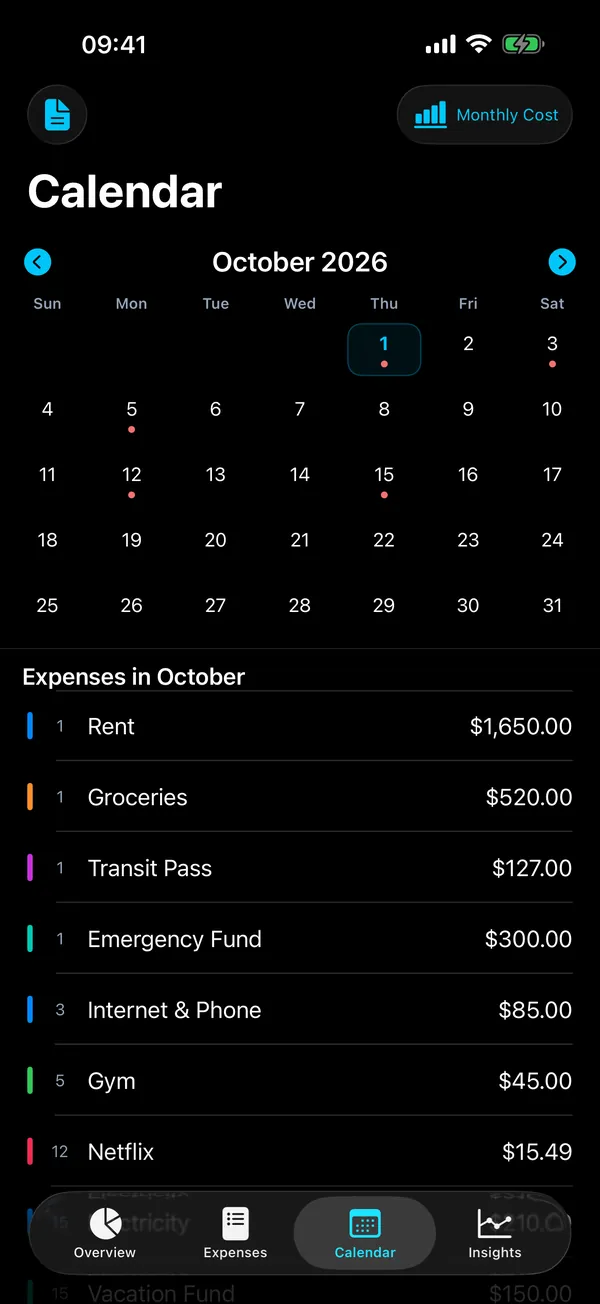
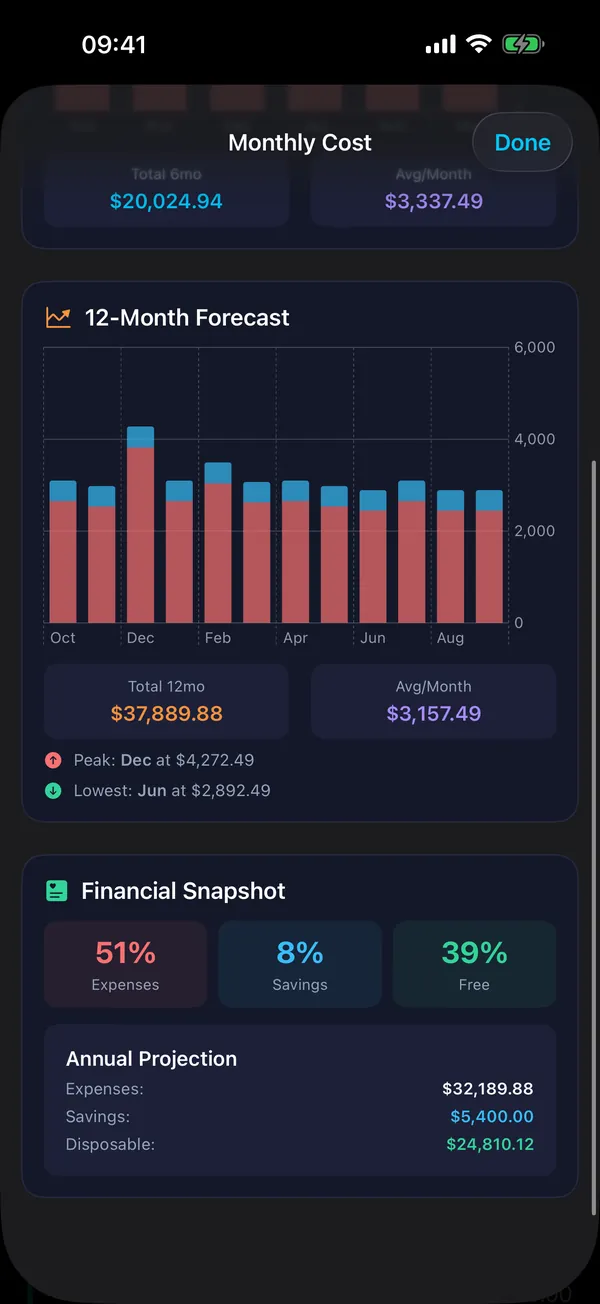
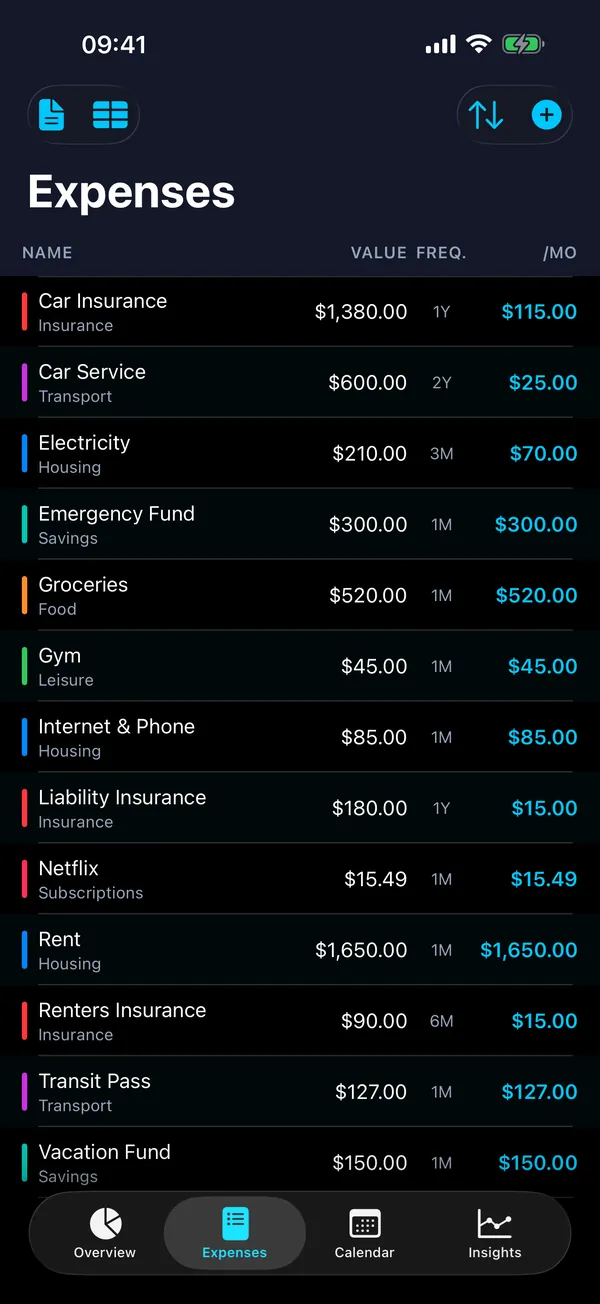
• Your recurring expenses (name, amount, payment interval, next payment date, category, optional end date, active or inactive)
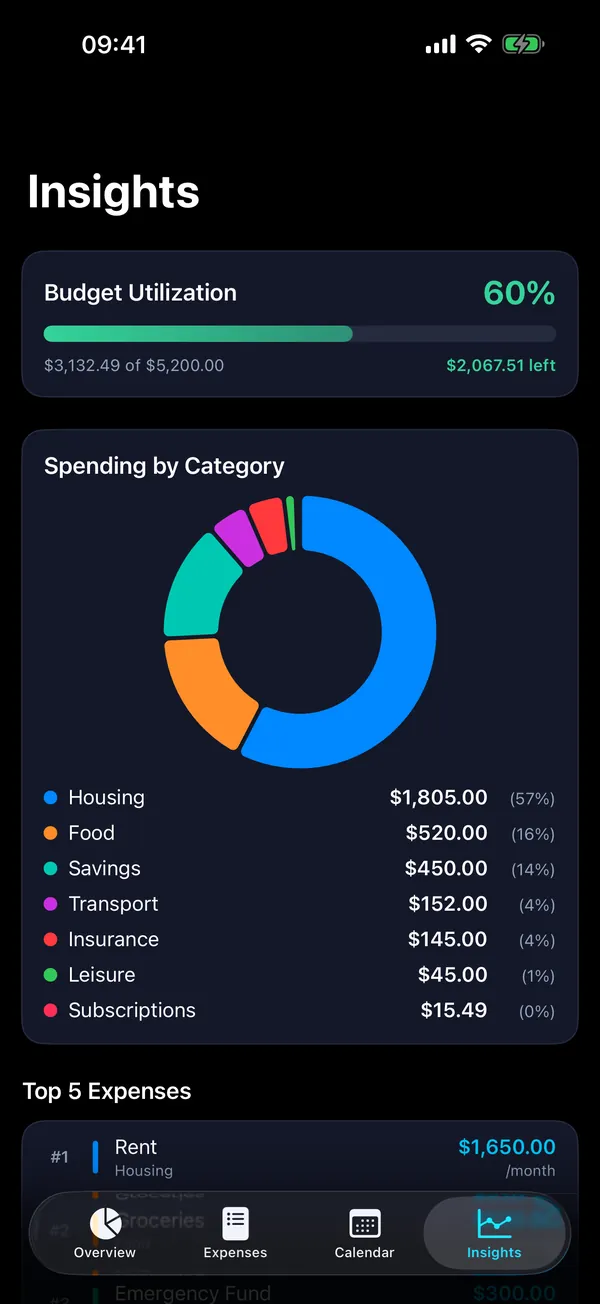
• Your categories (names, colors, and whether a category counts as savings or as expenses)
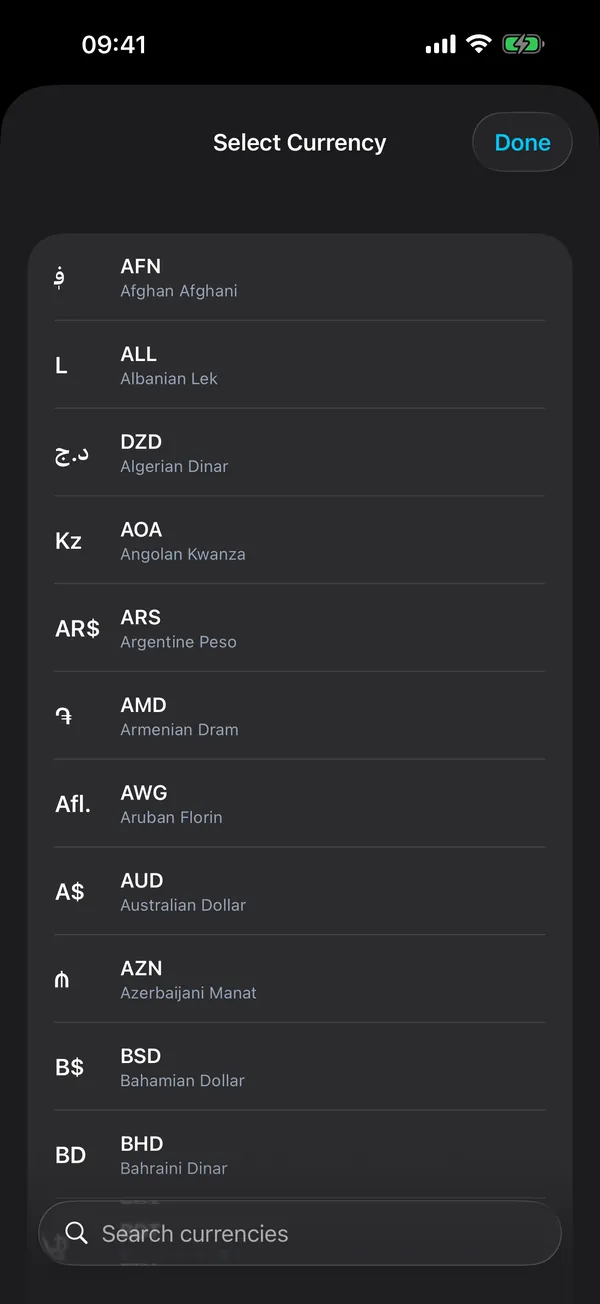
• Your selected currency
• Your theme setting
• Technical markers: the date of the last automatic backup, whether the default categories have already been created, and the App version for which the "What's New" notes were last shown
Backup files: Backups are stored as files (.4budget) in the Backups folder inside the App's Documents folder on your device. A backup contains your expenses, categories, monthly income, currency and theme setting, plus the date it was created and the App version. The App creates an automatic backup at most once a week and keeps the six most recent automatic backups. You can also create backups manually, export them via the iOS share sheet, restore them and delete them.
The App uses your device's language and region settings to display text, amounts and dates and, on a fresh install, to preselect your region's currency. These settings are read on your device only.
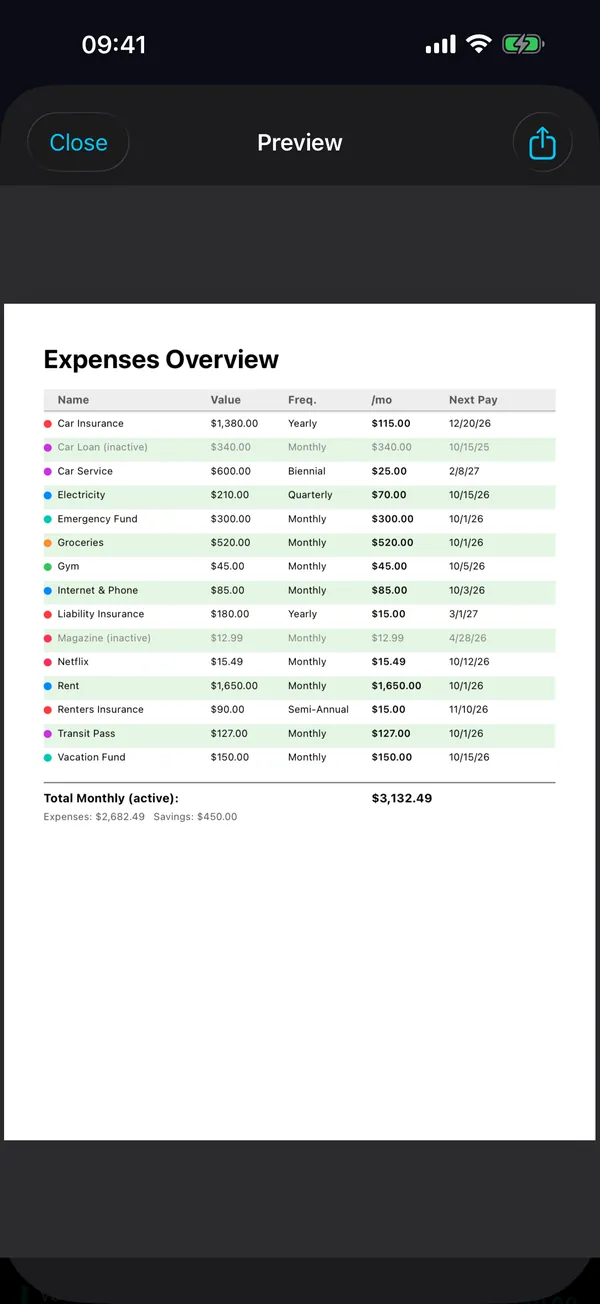
This data never leaves your device unless you explicitly choose to export or share it (as a PDF or CSV file, or by sharing a backup file). You decide in the iOS share sheet where an exported file goes.
No Data Collection
Through the App, we do not collect: personal information (name, email, address, phone number), usage analytics or behavioral data, device identifiers or IP addresses, location data, or any form of telemetry.
Third-Party Services
The App does not integrate any third-party services, including but not limited to: analytics or tracking tools, advertising networks, crash reporting services, or social media SDKs.
Network Usage
The App does not require any network connectivity. It operates entirely offline. The App itself does not send any data to, or receive any data from, any external server.
Links
In Settings, the App contains links to GitHub ("Report a Bug", "Suggest a Feature", "Discussions", "All robspace Apps on GitHub") and a link to the iOS Settings app ("Language"). A link only opens when you tap it: the GitHub links open in your web browser, the language link opens the iOS Settings app. The App itself does not send any data in the process. When you visit GitHub, GitHub's privacy statement applies.
Children's Privacy
The App does not collect personal information from anyone, including children under the age of 13. The App is safe for use by individuals of all ages and is compliant with the Children's Online Privacy Protection Act (COPPA) and similar regulations.
Data Sharing
We do not share any App data with third parties because we do not collect any data through the App. There is no personal information, usage data, or analytics data to share, sell, or disclose.
Data Security
Since all data is stored locally on your device, the security of your data is managed by your device's built-in security features (such as device encryption, passcode, and biometric locks). We recommend keeping your device software up to date to benefit from the latest security protections.
This Website
This website is hosted by Hetzner Online GmbH on a server in a data centre in Falkenstein, Germany. When you open a page, the web server automatically logs your IP address, the date and time, the requested page or file, the HTTP status, the number of bytes transferred, the referring page (referrer) and your browser’s user agent. These logs are used solely to operate and secure the website; the legal basis is Art. 6(1)(f) GDPR (legitimate interest in secure, stable operation). They are deleted automatically after 14 days at the latest, are not analysed and are not passed on unless required by law.
The website sets no cookies, uses no analytics or tracking and embeds no content from third parties. Only your language choice is kept in your browser’s local storage, and not for tracking. Fonts are served from this server; no connection is made to Google Fonts or other font services.
Your Rights
Since we do not collect or store any personal data through the App, there is no such data for us to provide, modify, or delete. If you wish to remove all App data from your device, simply delete the App. Backup or export files that you have saved elsewhere (for example in the Files app) are not affected and must be deleted there.
You have the right of access, rectification, erasure, restriction of processing, data portability and objection (Art. 15–21 GDPR). Because we do not collect any personal data through the App, there is nothing from the App we could disclose, correct or delete; questions are still welcome at support@robspace.de. You have the right to lodge a complaint with a data protection supervisory authority, for example the Hessian Commissioner for Data Protection and Freedom of Information (HBDI). If you are a California resident, you are entitled to the rights granted under the California Consumer Privacy Act (CCPA); as we do not collect any personal data through the App, these rights are inherently fulfilled.
Changes to This Privacy Policy
We may update this Privacy Policy from time to time. Any changes will be reflected by updating the "Effective Date" at the top of this document. We encourage you to review this Privacy Policy periodically. Your continued use of the App after any changes constitutes your acceptance of the updated Privacy Policy.
Contact Us
If you have any questions or concerns about this Privacy Policy, please contact us at:
Robert Poetzsch
Email: support@robspace.de
This Privacy Policy was last updated on October 14, 2026.